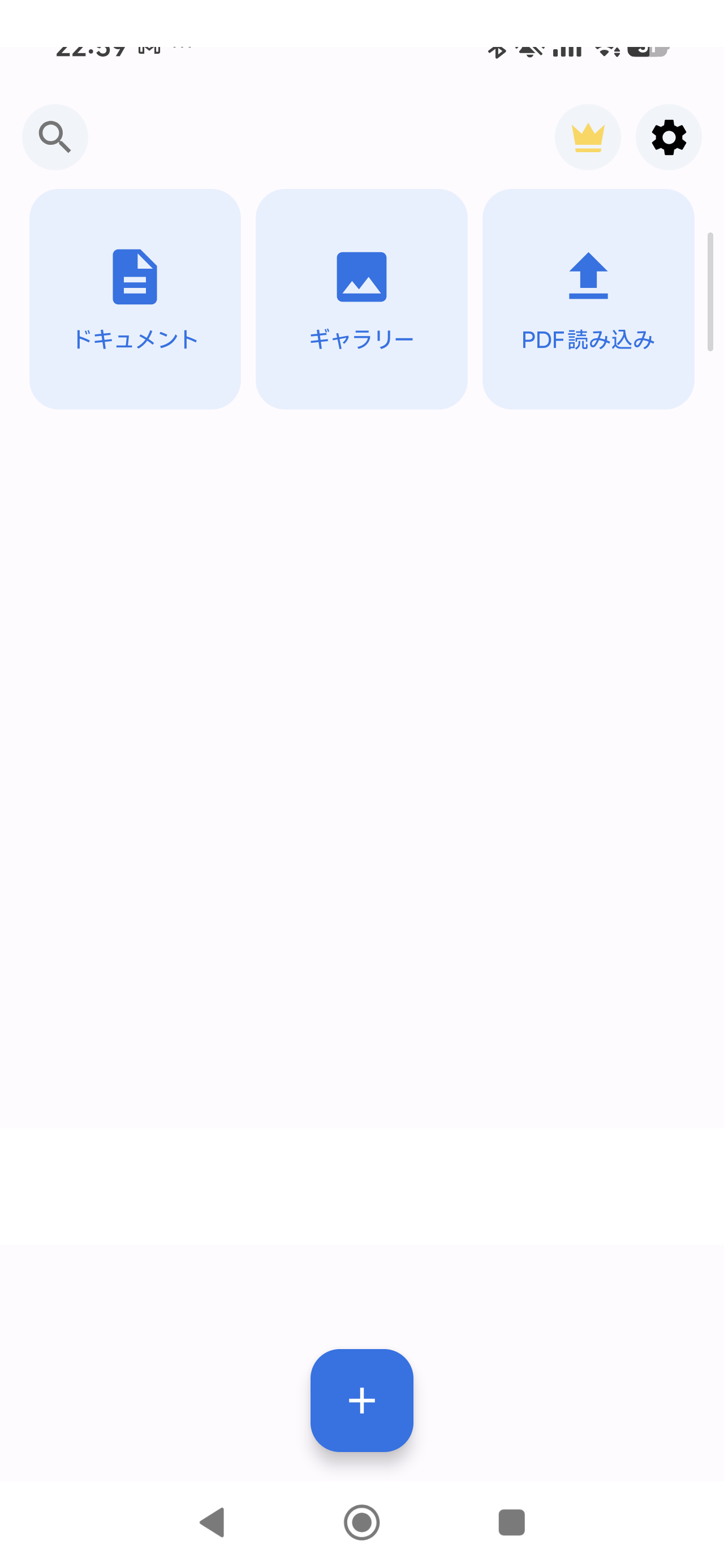
学校プリント整理アプリ|撮ればAIが「学校 / お知らせ」に分類
配られたプリント・お知らせをスマホでスキャンしてPDF化。DocScan AIが「学校 / お知らせ」フォルダへ自動分類し、提出期限前の捜索から解放します。
よくある困りごと
- ランドセルの底にクシャクシャのプリントが溜まる
- 提出物・集金のお知らせを見失う
- きょうだい分が混ざって分からなくなる
使い方(3ステップ)
- 撮る: プリントをカメラで撮影
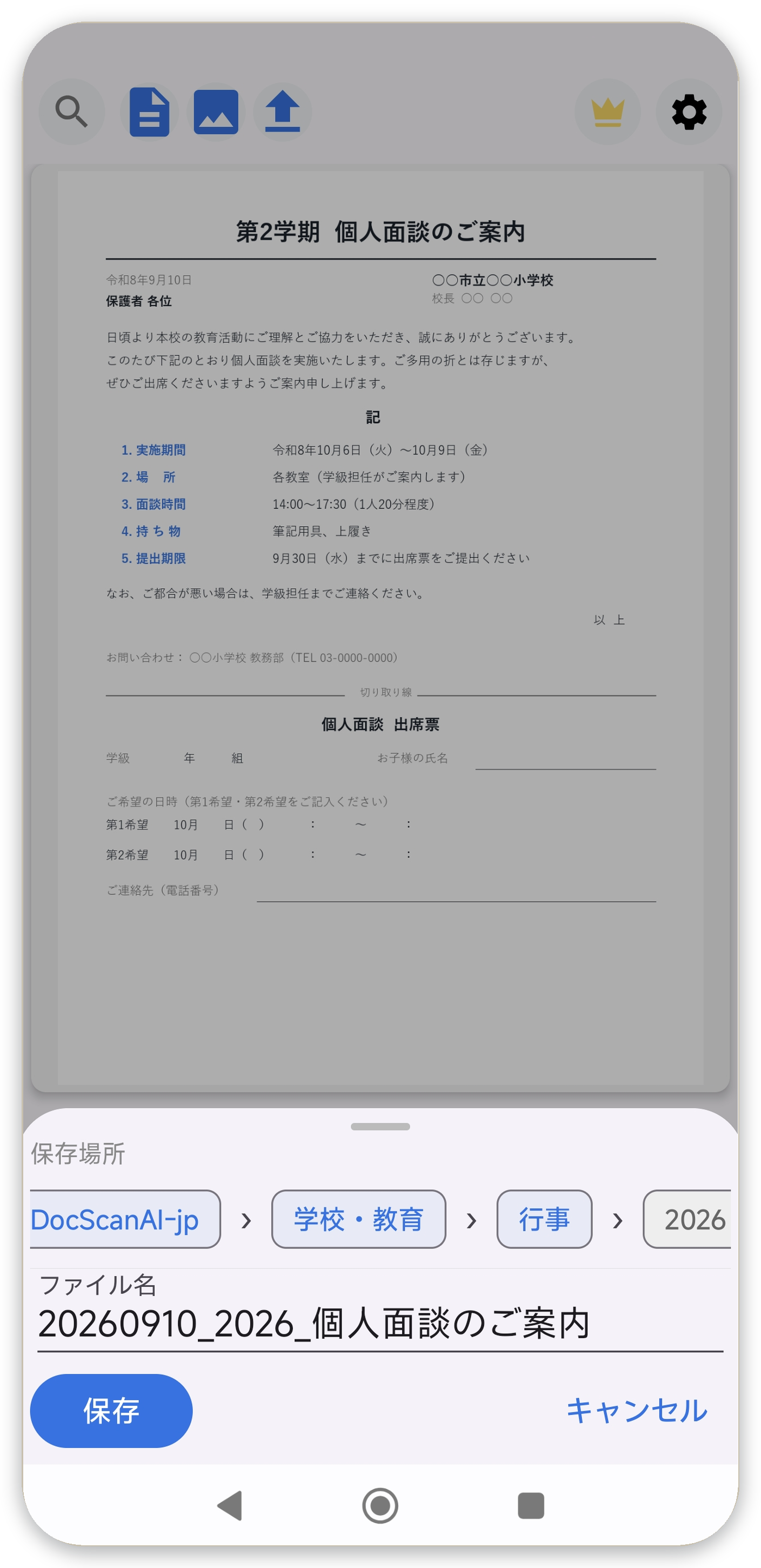
- AIが整理: 内容を読んで、ファイル名と「学校 / お知らせ」フォルダを自動提案
- 保存: 確認してPDF保存。紙は捨ててOK
料金:無料版と買い切りPro
スキャン・PDF化は無料(透かしなし、広告なし)。AI自動整理は買い切りProで解放され、サブスクはありません。
Google Play で入手
関連記事: 学校プリントの山から卒業。撮ればAIが分類します(note)
← トップに戻る
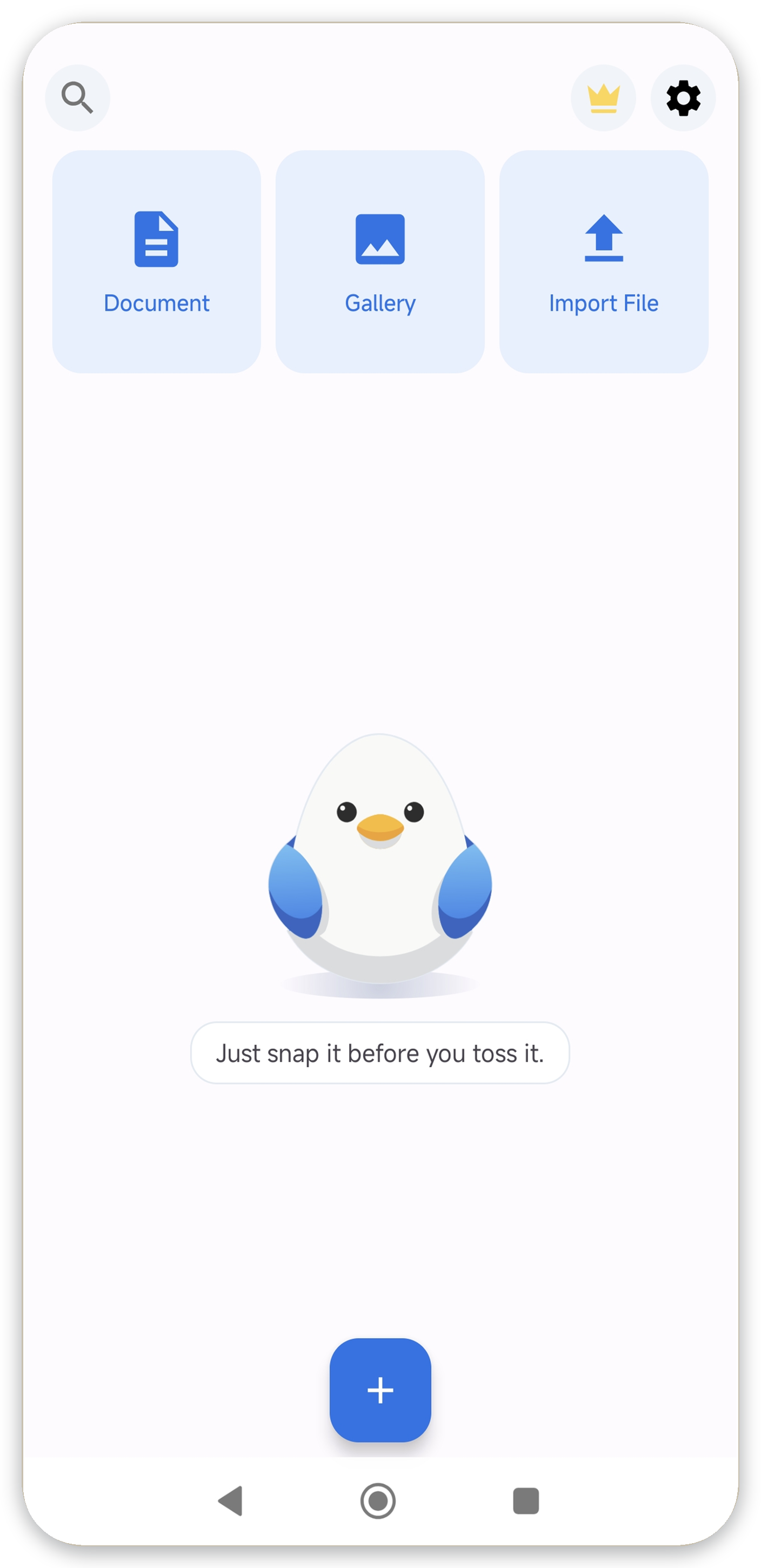
End the school-paper pile. Snap it and AI sorts it
Scan handouts and notices into PDFs. DocScan AI auto-files them into a "School / Notices" folder, ending the last-minute search before deadlines.
Common headaches
- Crumpled handouts piling up at the bottom of the schoolbag
- Lost permission slips and payment notices
- Siblings' papers all mixed together
How it works (3 steps)
- Snap: photograph the handout
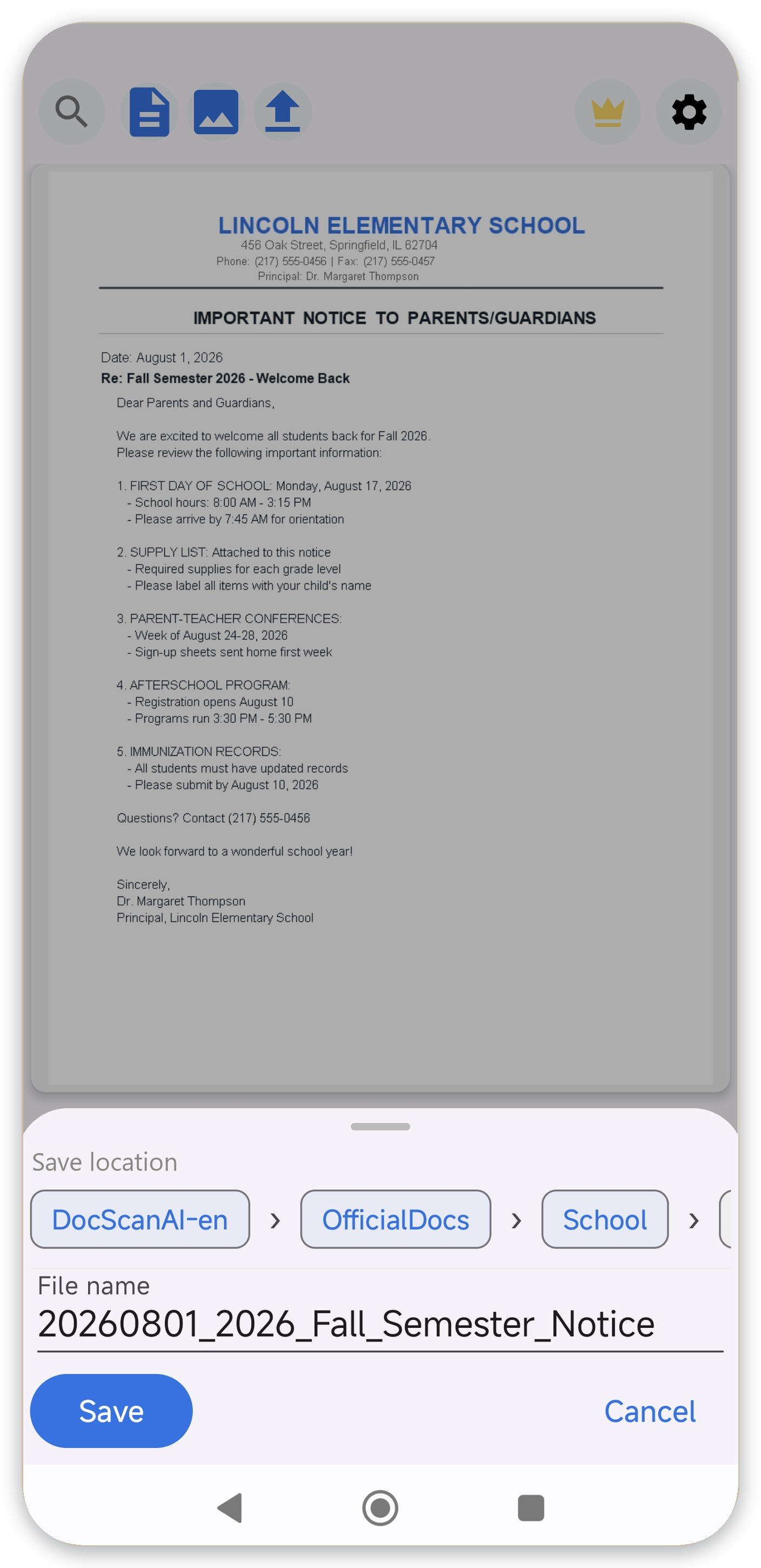
- AI organizes: reads the content and suggests a filename plus the school folder
- Save: review and save as PDF, then toss the paper
Pricing
Scanning and PDF export are free (no watermark, no ads). AI auto-organization is a one-time Pro purchase. No subscription.
Get it on Google Play
← Back to top