名刺スキャンアプリ|撮ればAIが氏名・会社名で整理
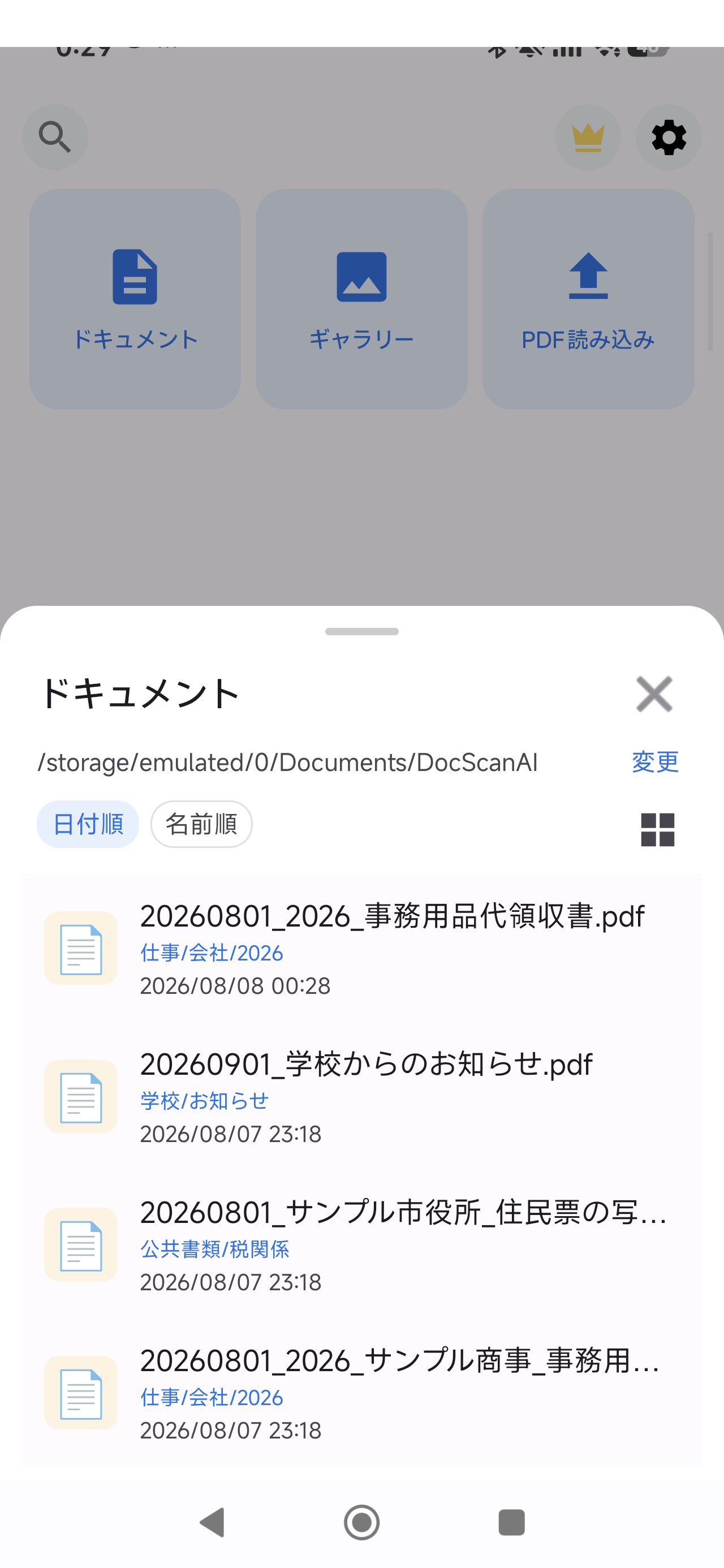
もらった名刺をスマホでスキャンしてPDF化。DocScan AIが氏名・会社名を含むファイル名を自動提案し、「名刺」フォルダへ整理します。
よくある困りごと
- 名刺入れがパンパンで、探したい1枚が見つからない
- 展示会の後の一気整理がつらい
- 退職・異動のときに連絡先が散らばる
使い方(3ステップ)
- 撮る: 名刺をカメラで撮影(連続スキャンOK)
- AIが整理: 氏名・会社名のファイル名と「名刺」フォルダを自動提案
- 保存: 確認してPDF保存。必要なときに一覧からすぐ探せる
料金:無料版と買い切りPro
スキャン・PDF化は無料(透かしなし、広告なし)。AI自動整理は買い切りProで解放され、サブスクはありません。
Google Play で入手
← トップに戻る
End the business-card pile. Snap it and AI files it
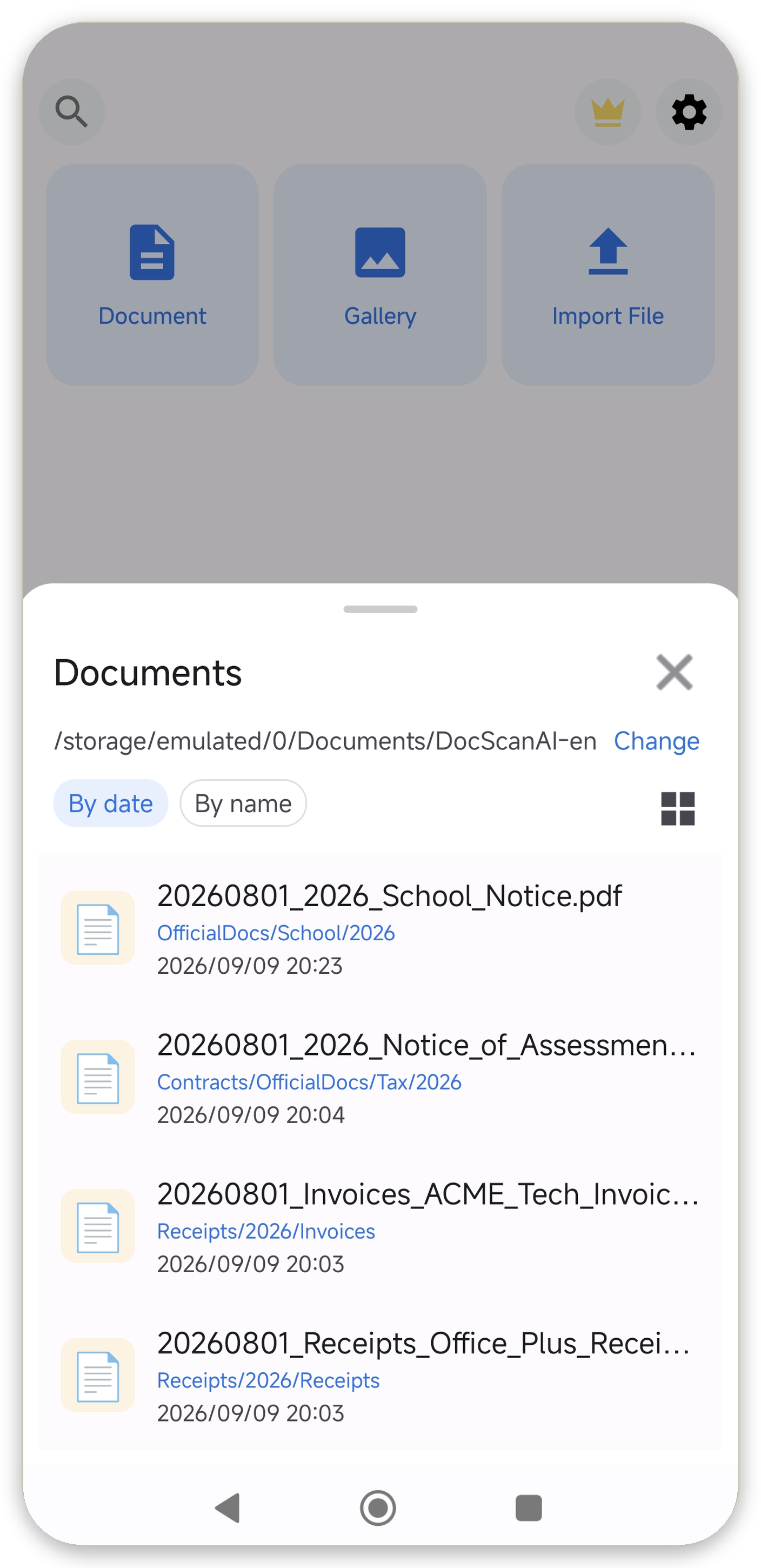
Scan business cards into PDFs. DocScan AI suggests filenames with name and company and files them into a "Cards" folder automatically.
Common headaches
- A stuffed card holder where nothing can be found
- Bulk sorting after trade shows
- Contacts scattered across job changes
How it works (3 steps)
- Snap: photograph cards, continuous scanning supported
- AI organizes: auto-suggests name-and-company filenames and a cards folder
- Save: review and save as PDF, find anything instantly in the list
Pricing
Scanning and PDF export are free (no watermark, no ads). AI auto-organization is a one-time Pro purchase. No subscription.
Get it on Google Play
← Back to top